 TweetShare has a very interesting niche in the field of Twitter applications — it allows the sharing of files & enables discussion around those files — as well as general discussions. Let’s say you took a picture at a conference and you wanted to get feedback about it. Yes, you could use Twitpic or other photo sharing sites to send a link to the photo out via a Tweet. But, TweetShare allows you to share that photo and then organizes the discussion around the photo so that anyone can easily follow it.
Starting with the type of discussion — get comments, ask a question or create a poll — TweetShare guides you through the process of creating a discussion.
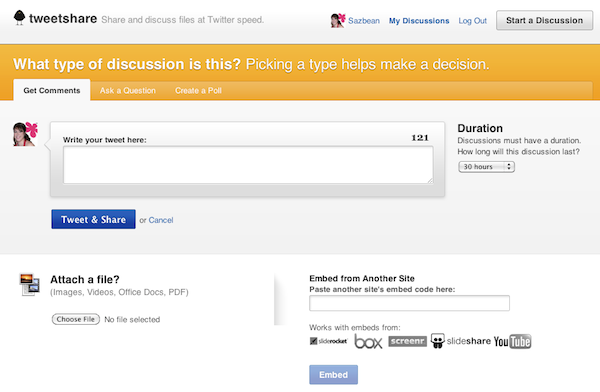
You can either upload a file (images, videos, Office Docs, or PDFs) or embed a file from one of their supported partners (sliderocket, box, screenr, slideshare or YouTube). Decide how long the discussion should last — from 10 minutes to 30 hours — and you’re all set. If you’re not ready to send the discussion out yet, you can save it for later (and also save multiple discussions as drafts).
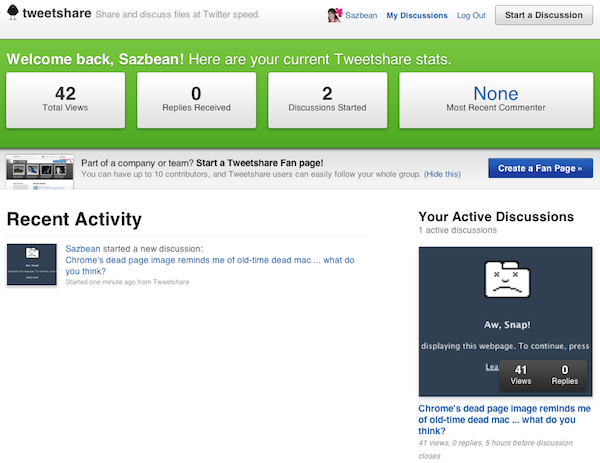
Once you’ve started a discussion (or commented on others), you can keep track of your discussions from the My Discussions page, which gives you a quick overview of your active discussions with some stats.
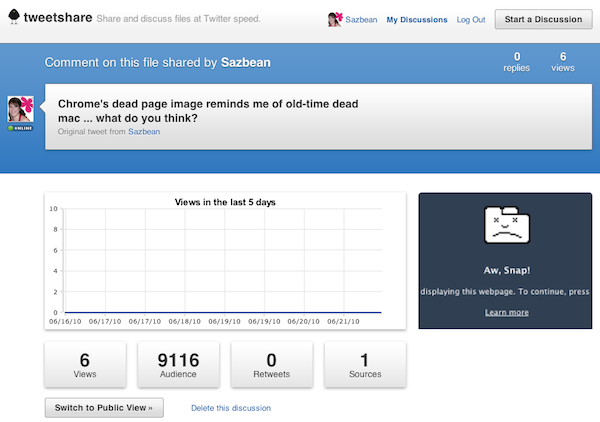
For each of your discussions, you’ll be able to see the views, audience (how many people are following you on Twitter), retweets and sources.
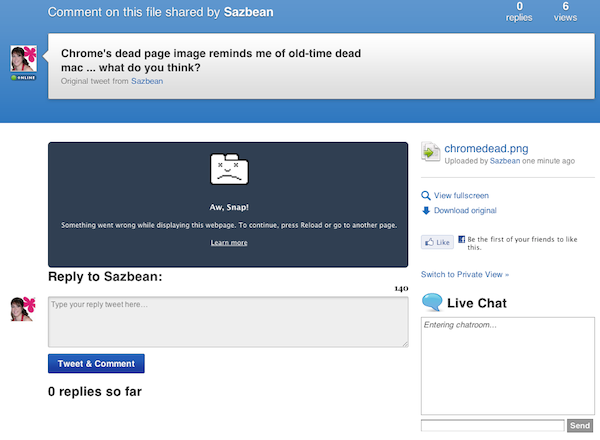
You can also switch to a public view and have a live chat around the topic.
Probably one of the more powerful features of TweetShare is the ability to create a fan page, which allows you to build discussions via Twitter around your brand, product or event with multiple contributors.
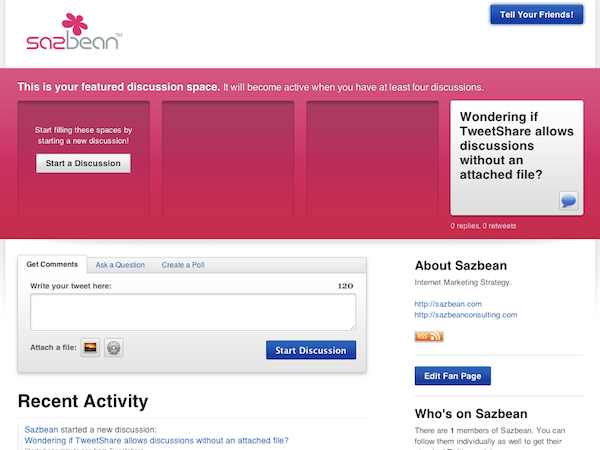
I think TweetShare has some powerful features for collaboration, especially around events or conferences. It could allow speakers to involve their audience during the talk, and keep track of the discussion in one place (making it easier for everyone involved). With all of the emphasis on attaching a file to the discussion, it’s not required and that actually makes TweetShare even more powerful for creating conversations around a brand, product or event.
What do you think? Have you used TweetShare?